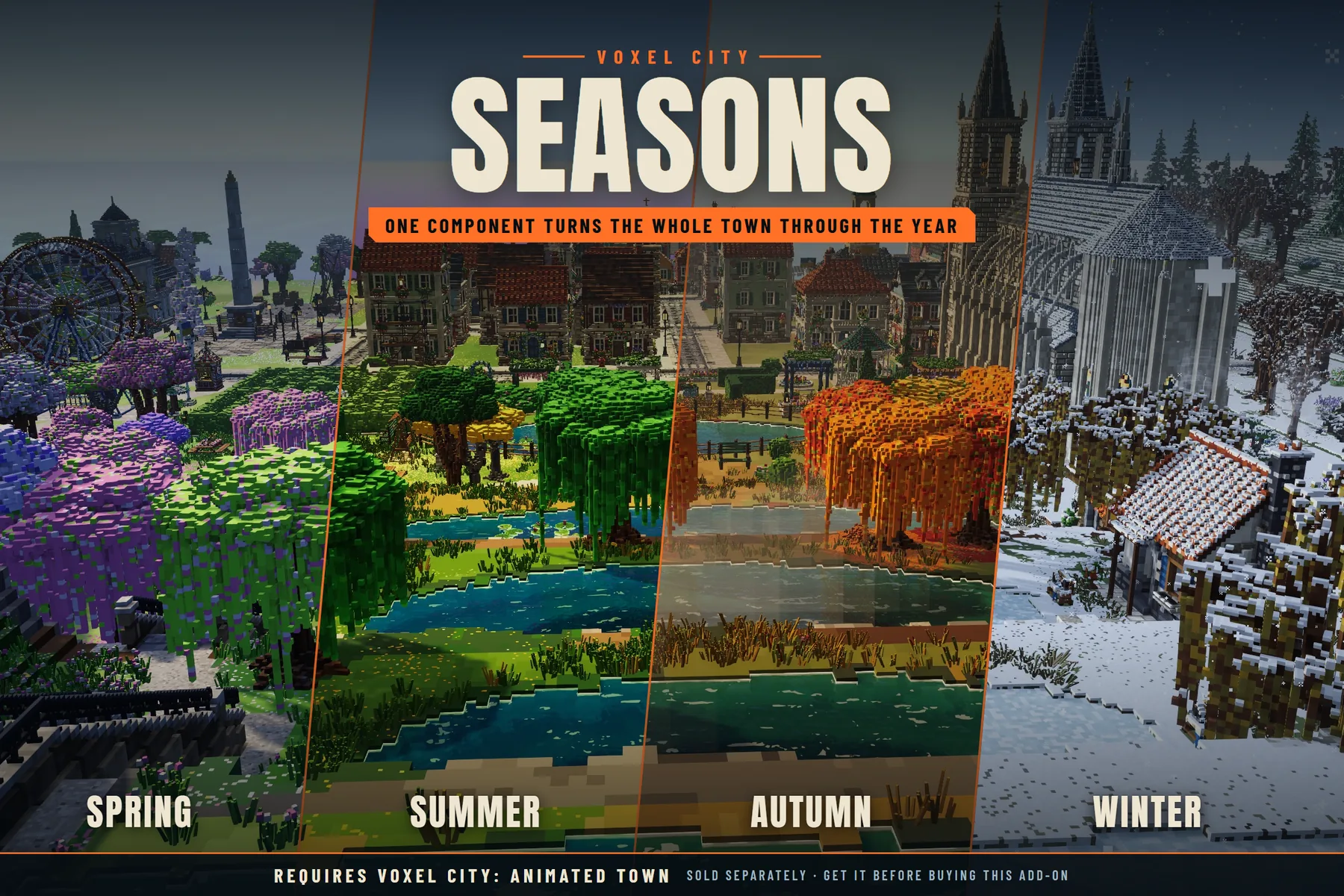
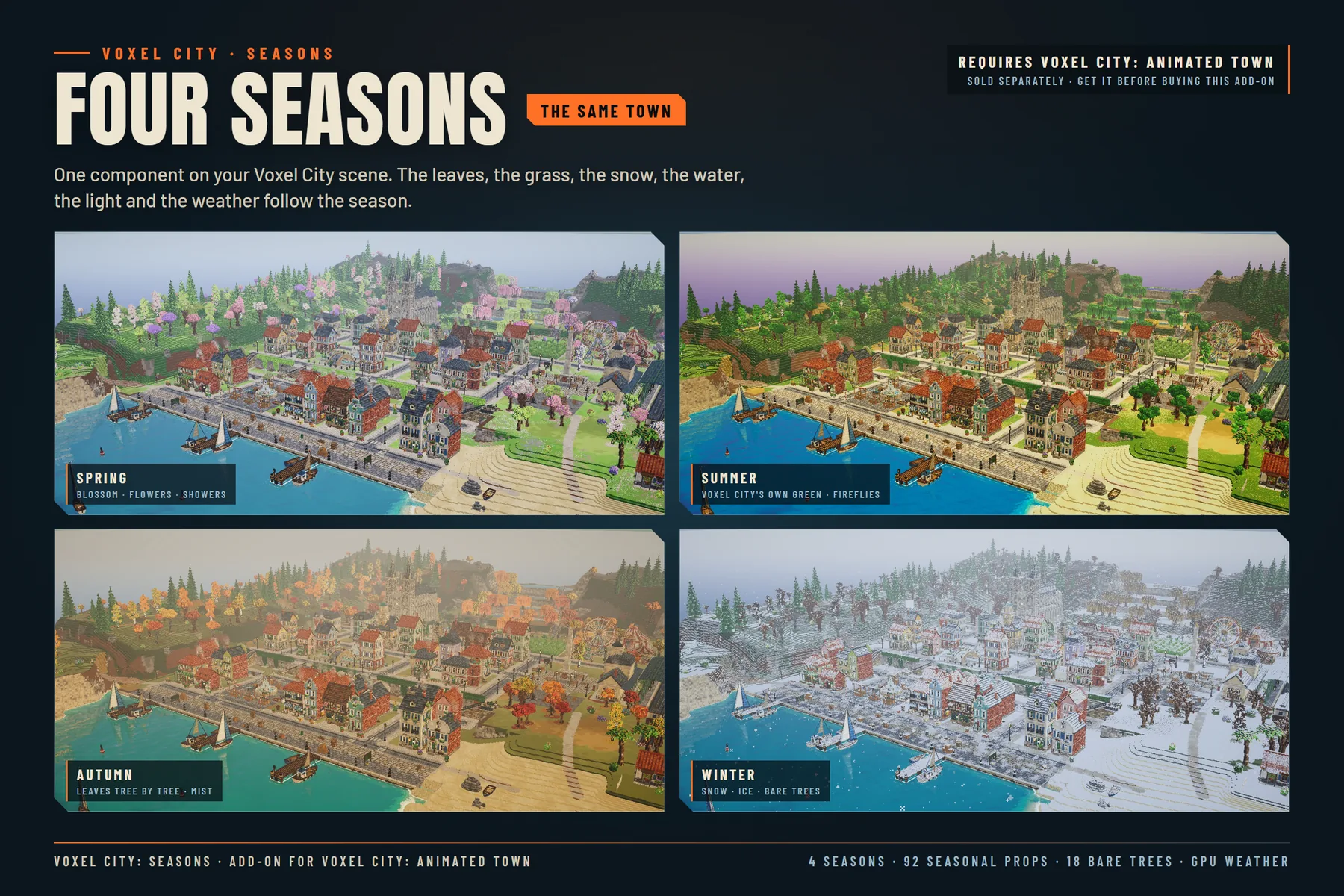
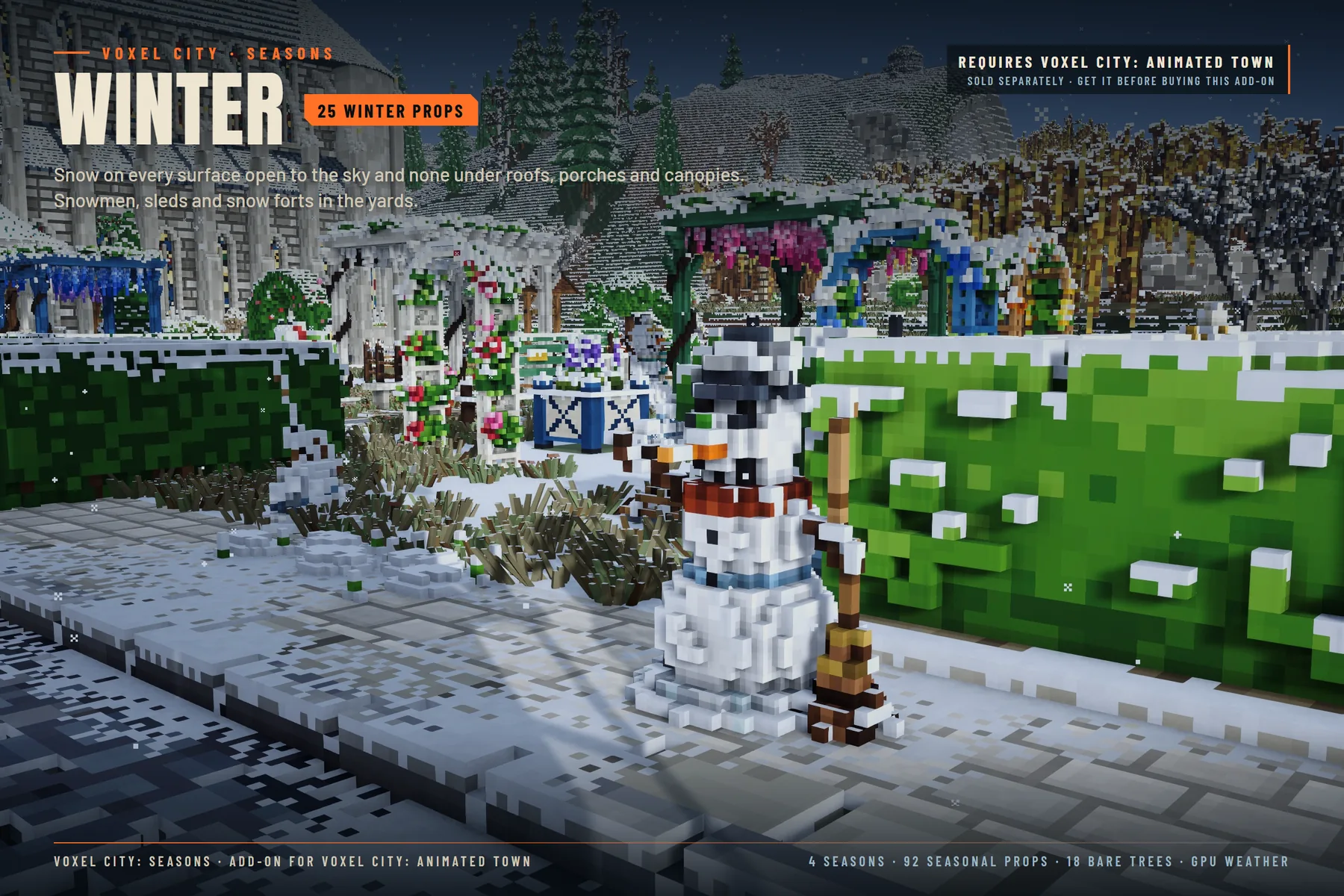
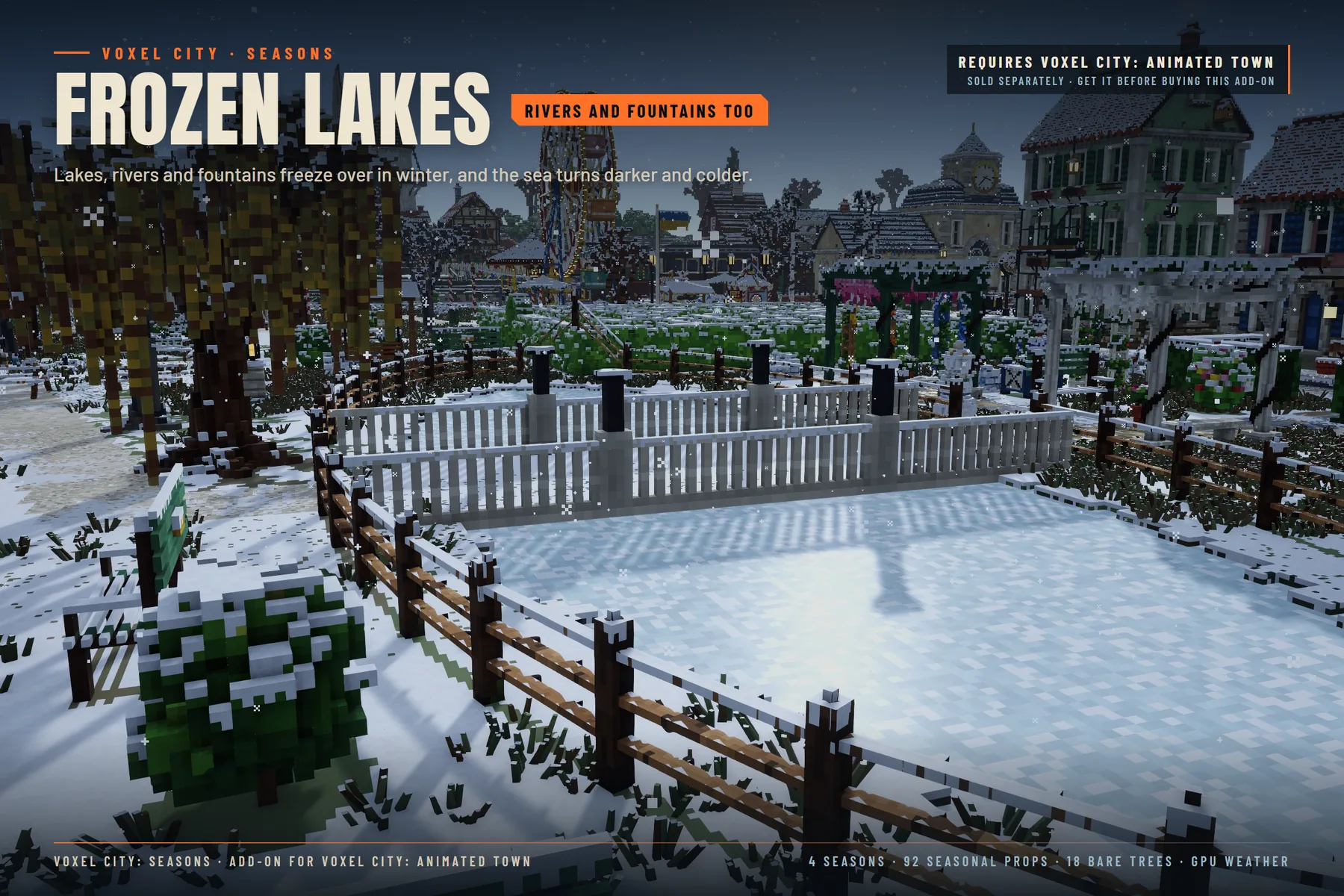
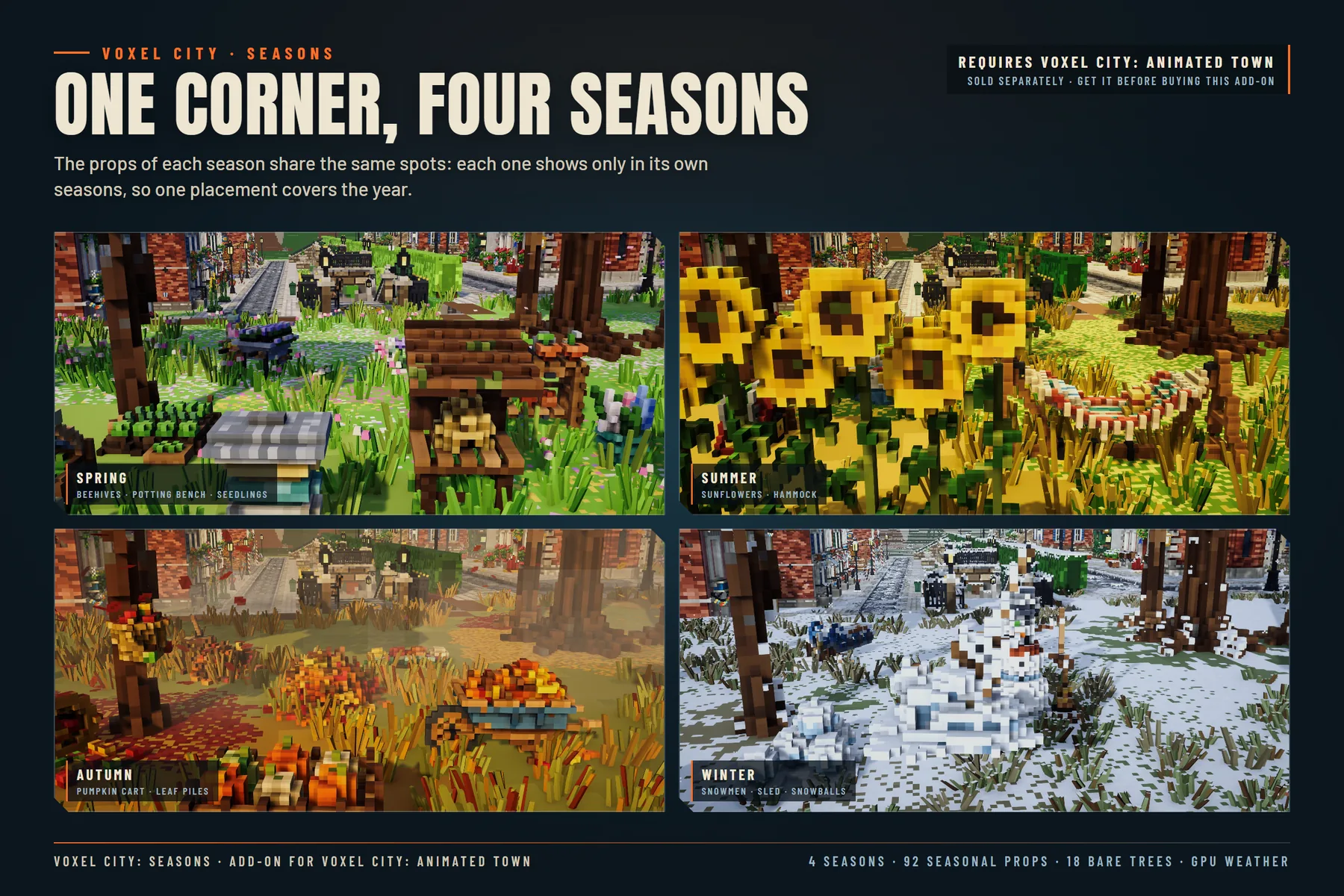
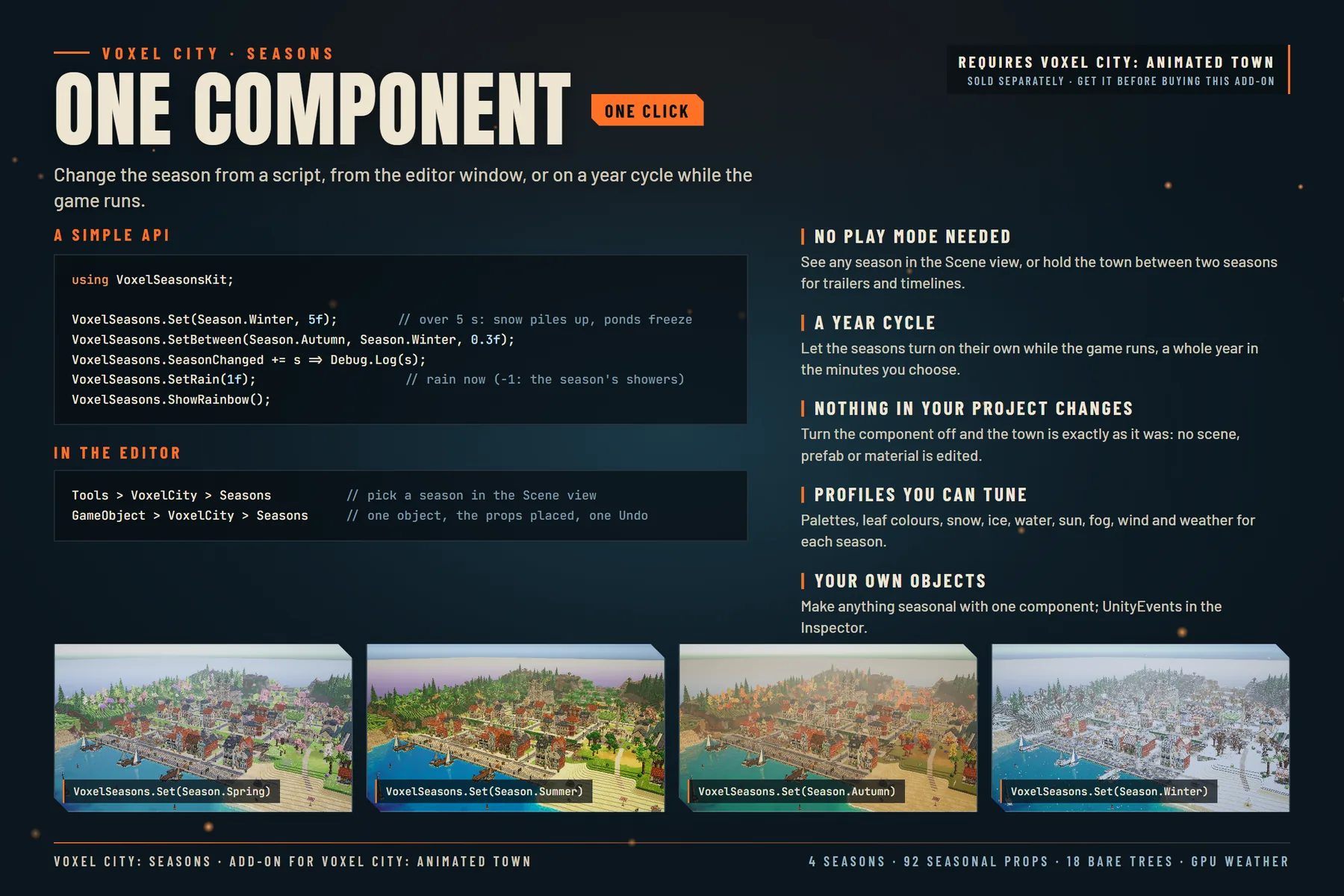
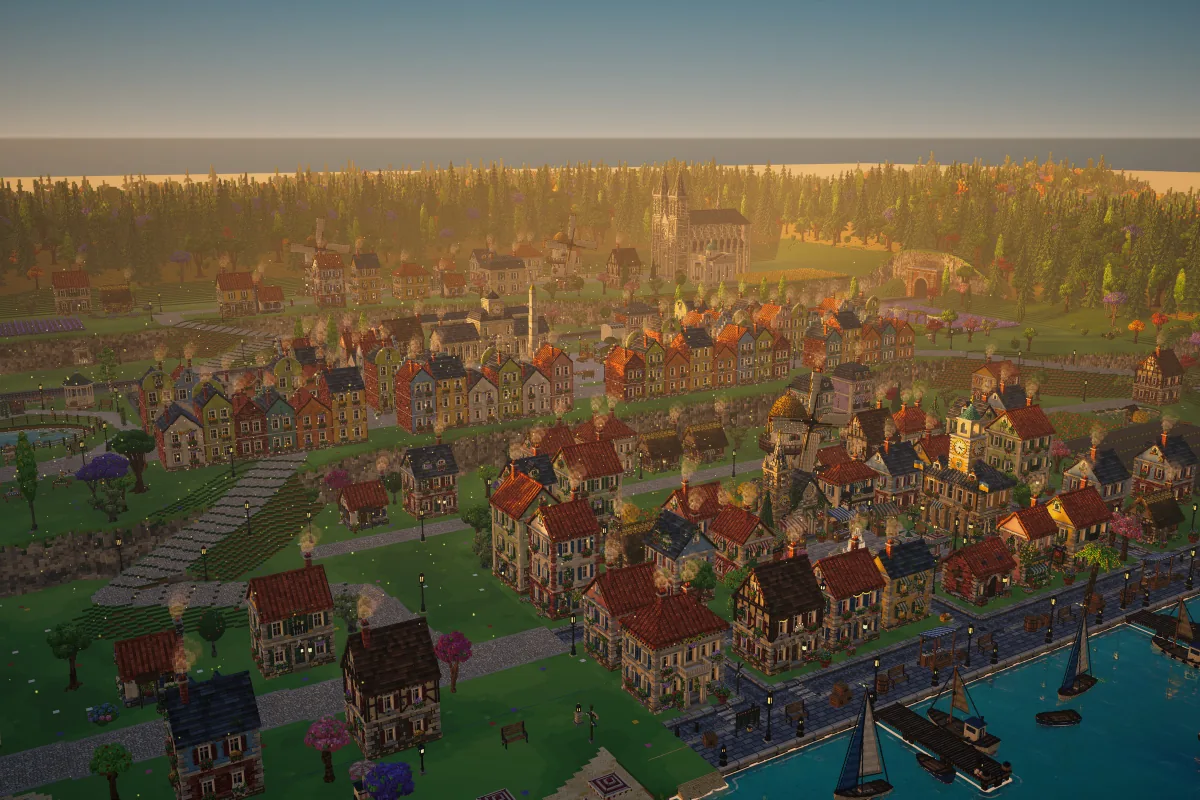
Voxel City: Seasons is an add-on for Voxel City: Animated Town and needs it in the project. Add the VoxelSeasons component and the whole town follows the season: leaf and grass colors, blossom in spring, dry patches in summer, orange, red and yellow trees in autumn, and in winter snow on every surface open to the sky (and none under roofs, porches and canopies), bare trees and frozen lakes, rivers and fountains.
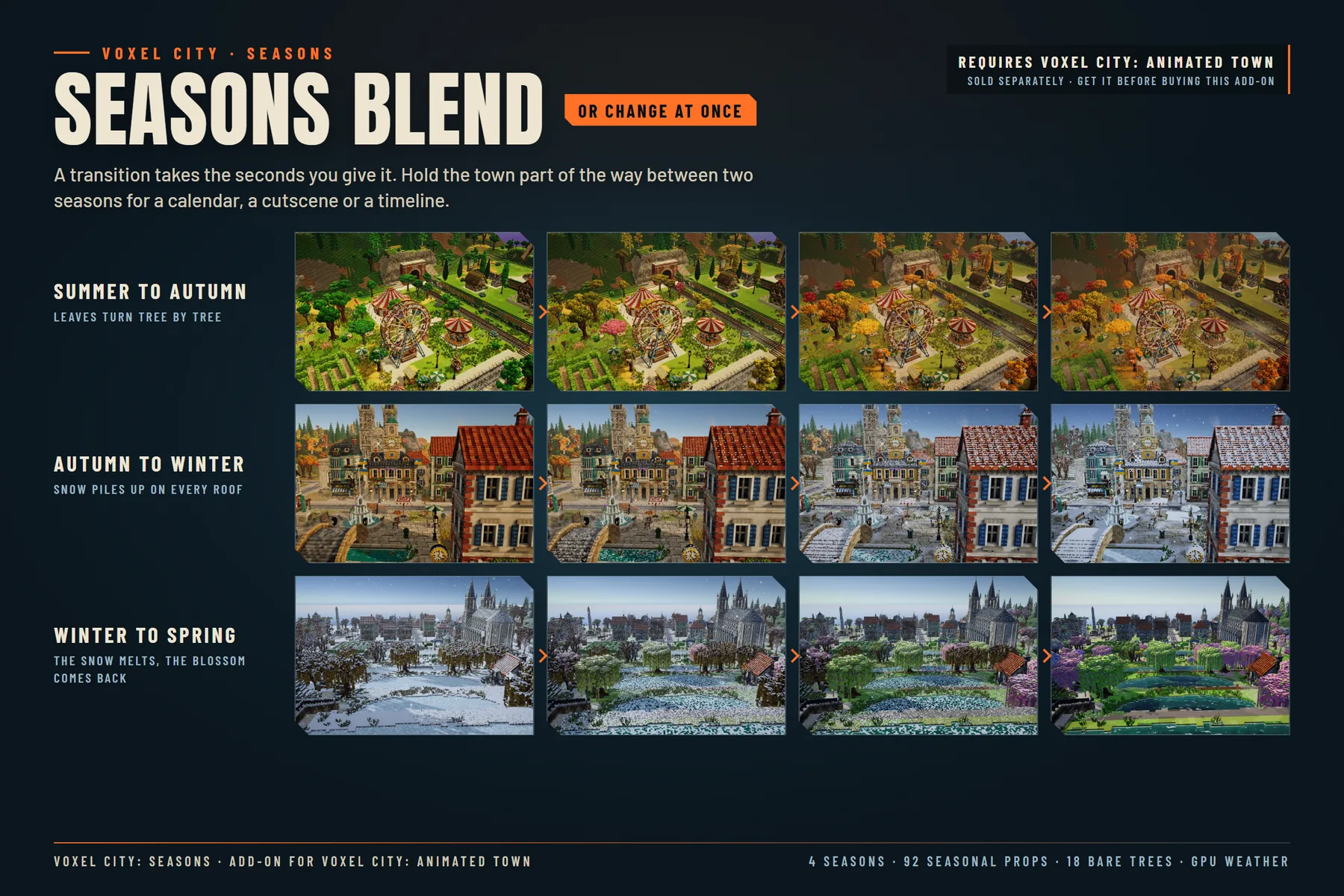
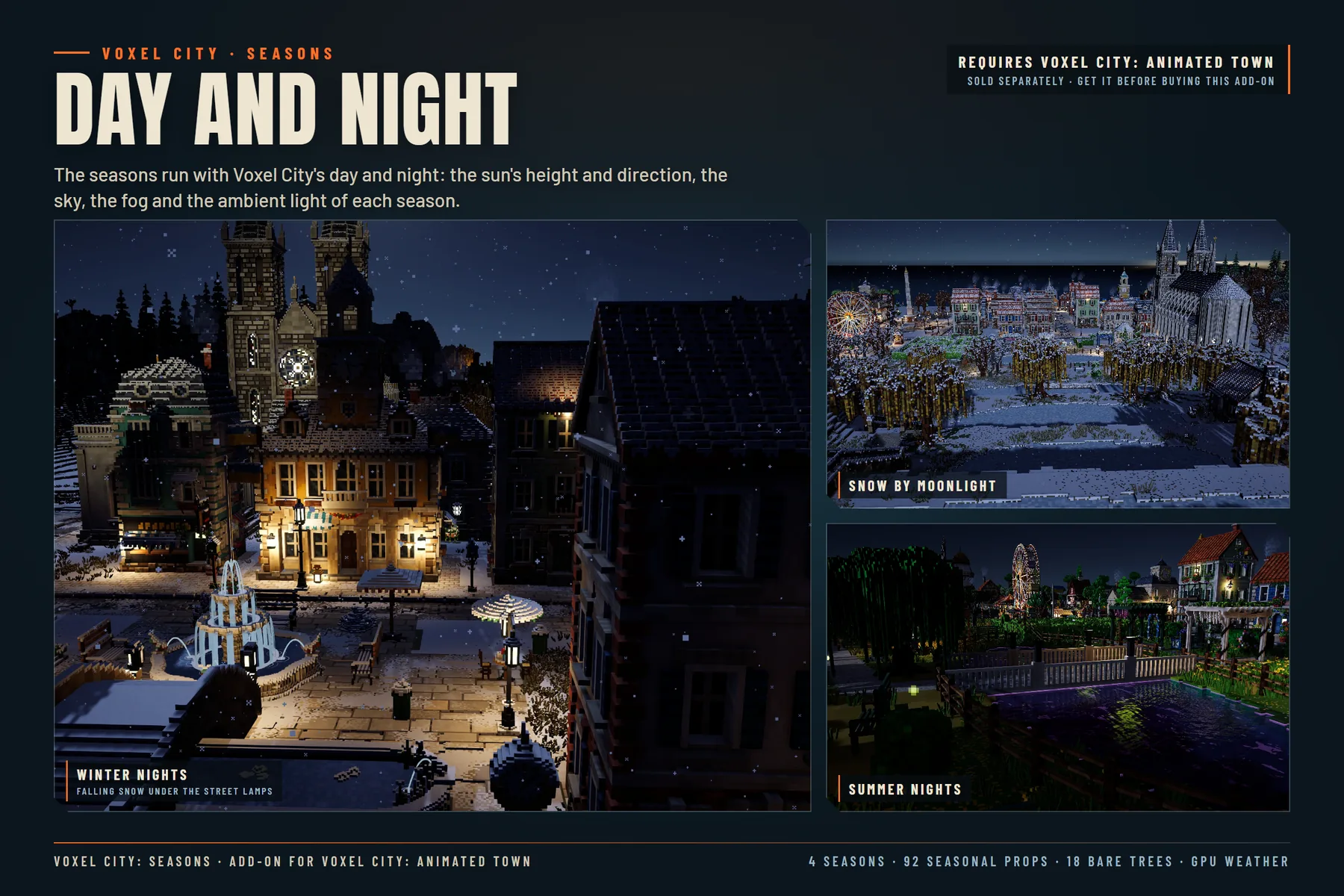
A season changes at once or blends over the seconds you give it, from a script (VoxelSeasons.Set(Season.Winter, 5f)), from the Editor window (Tools > VoxelCity > Seasons), which shows it in the Scene view without entering Play mode, or on a year cycle while the game runs. Hold the town part of the way between two seasons for a calendar, a cutscene or a timeline. Light, sky and fog follow the season with Voxel City's day and night.
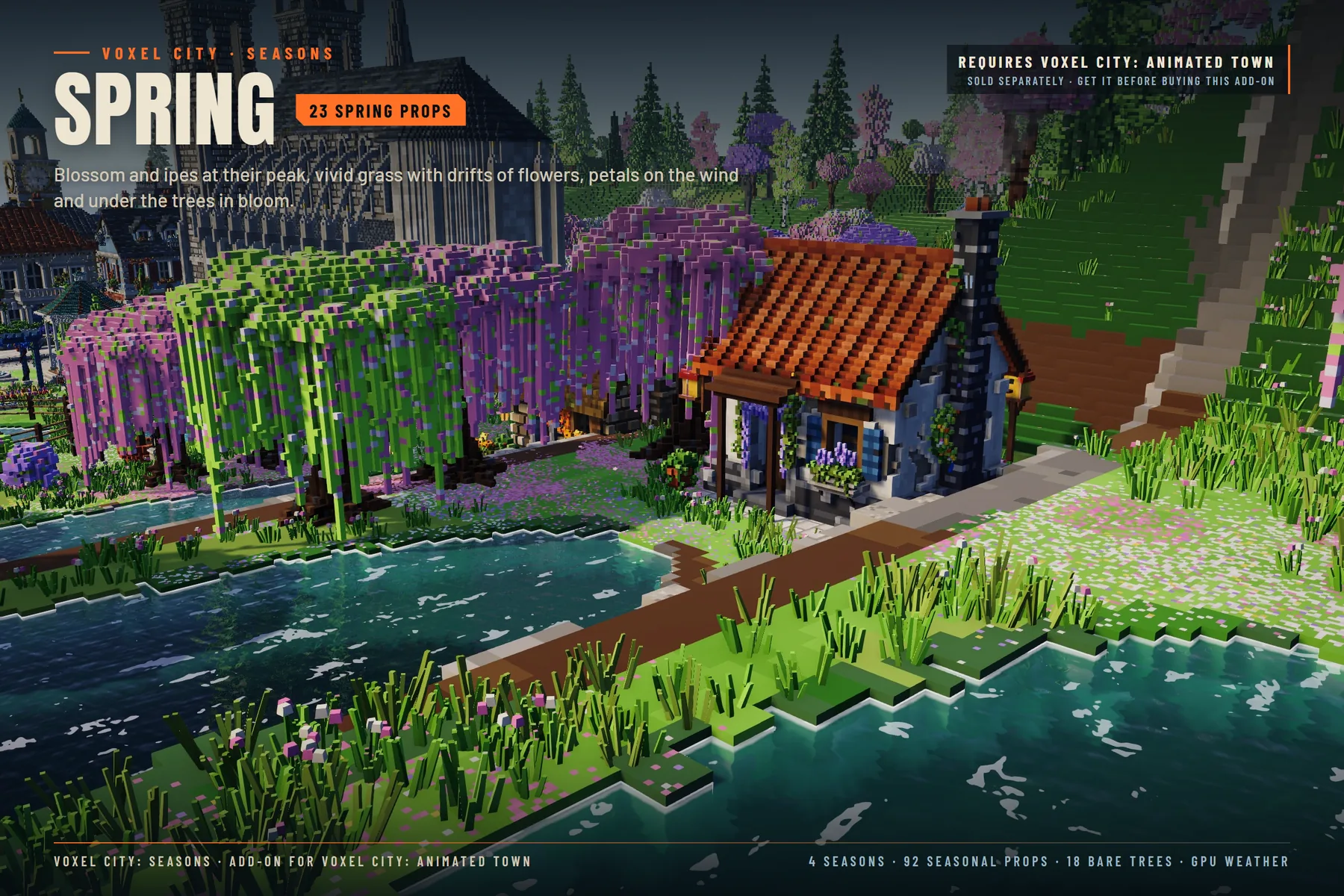
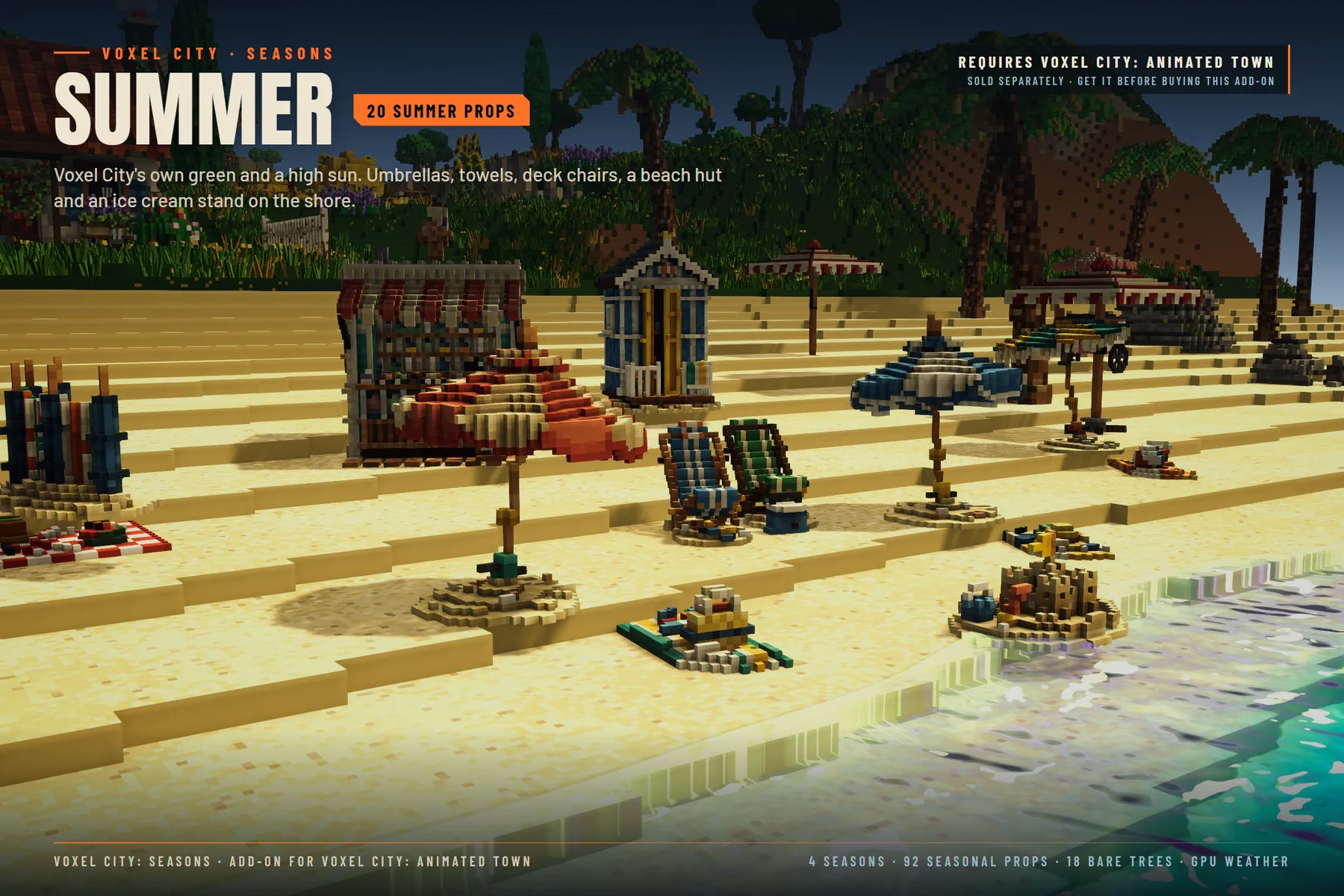
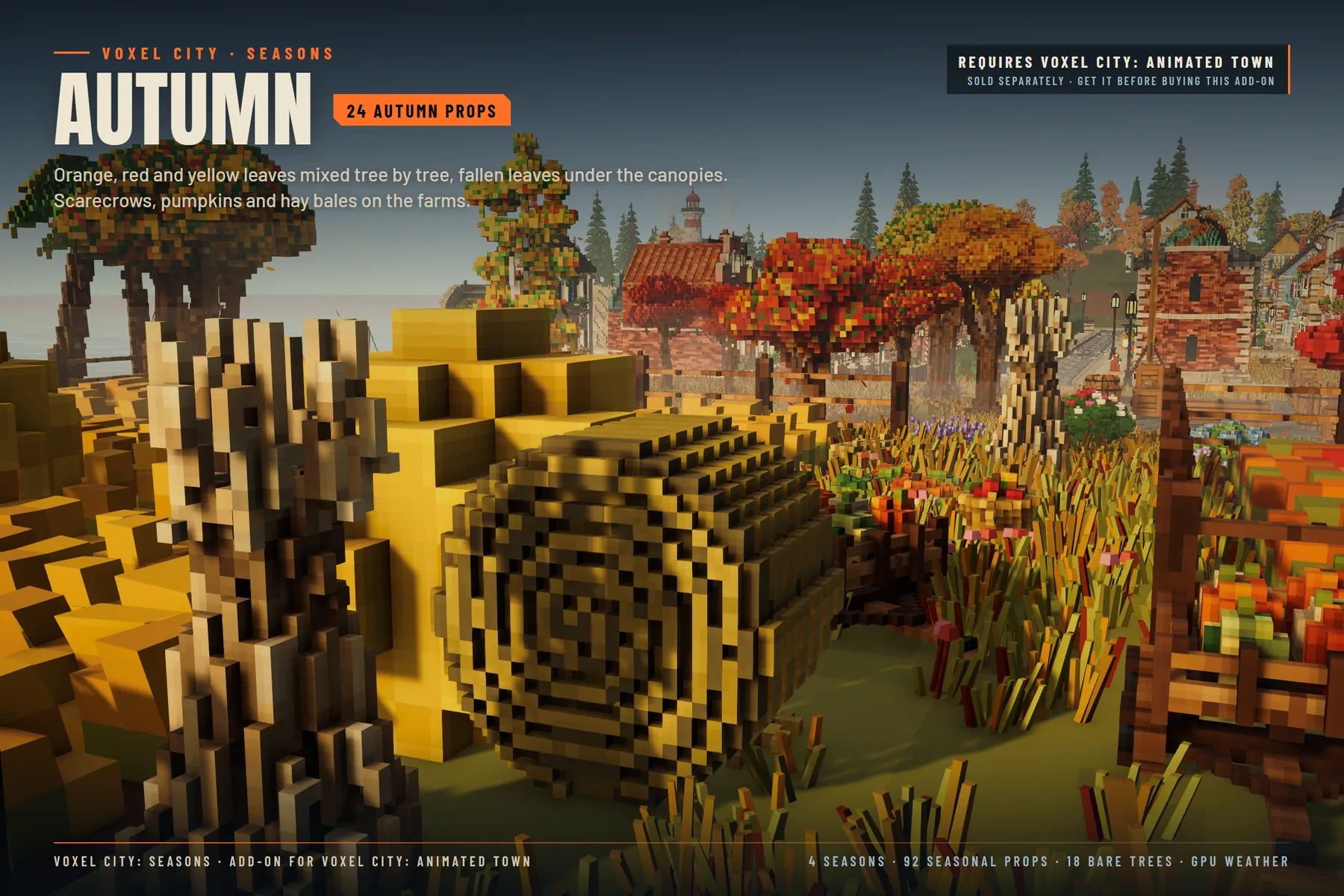
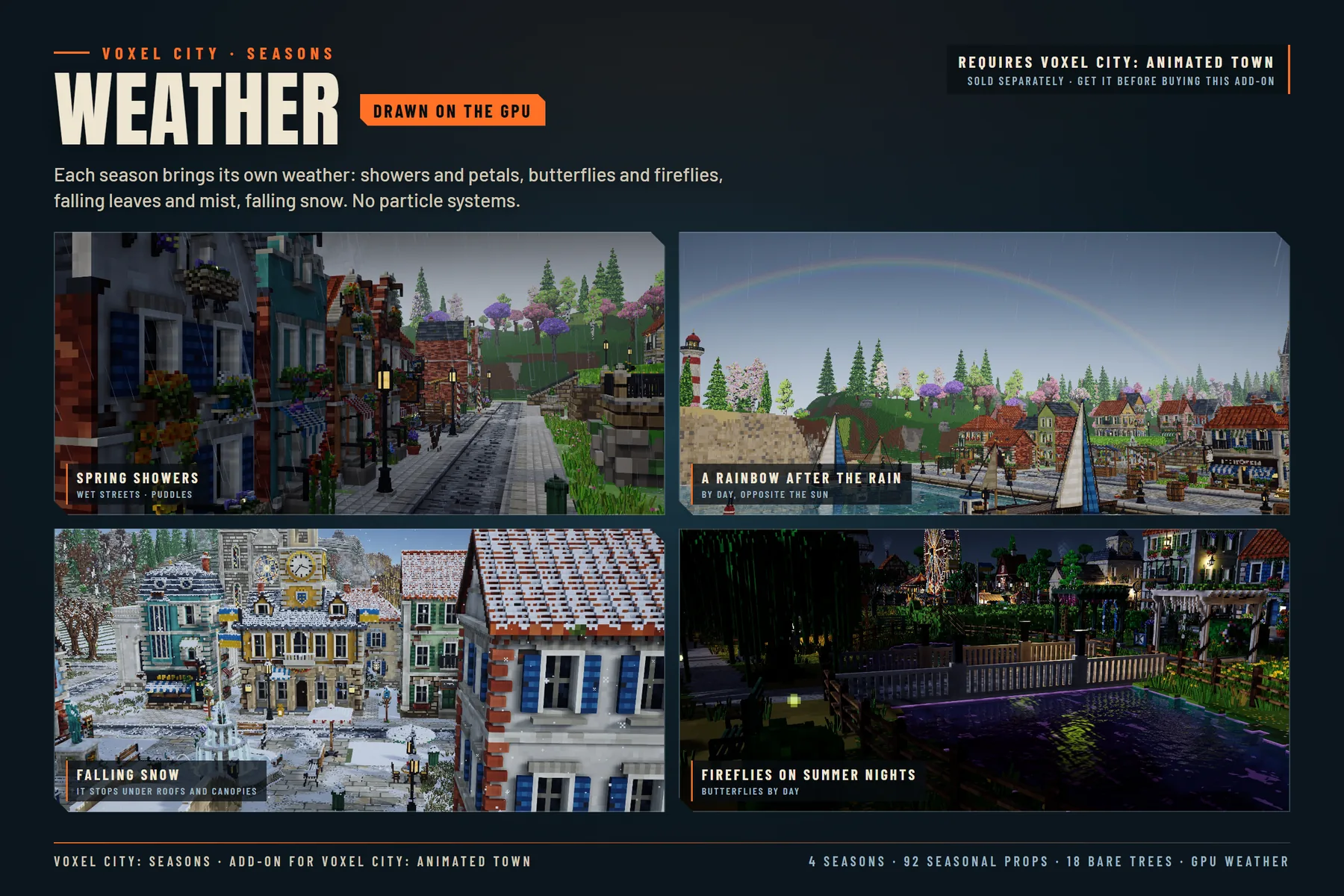
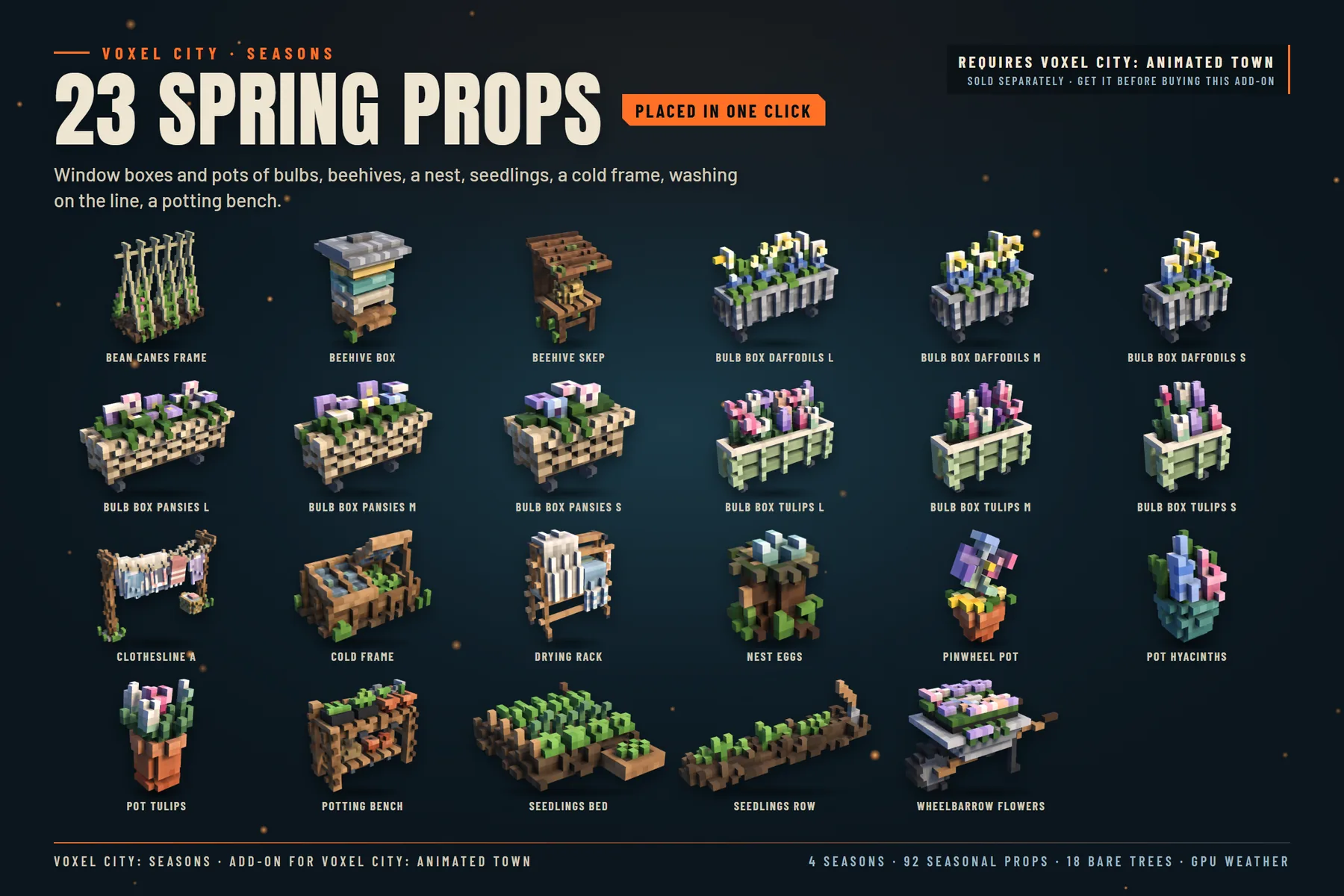
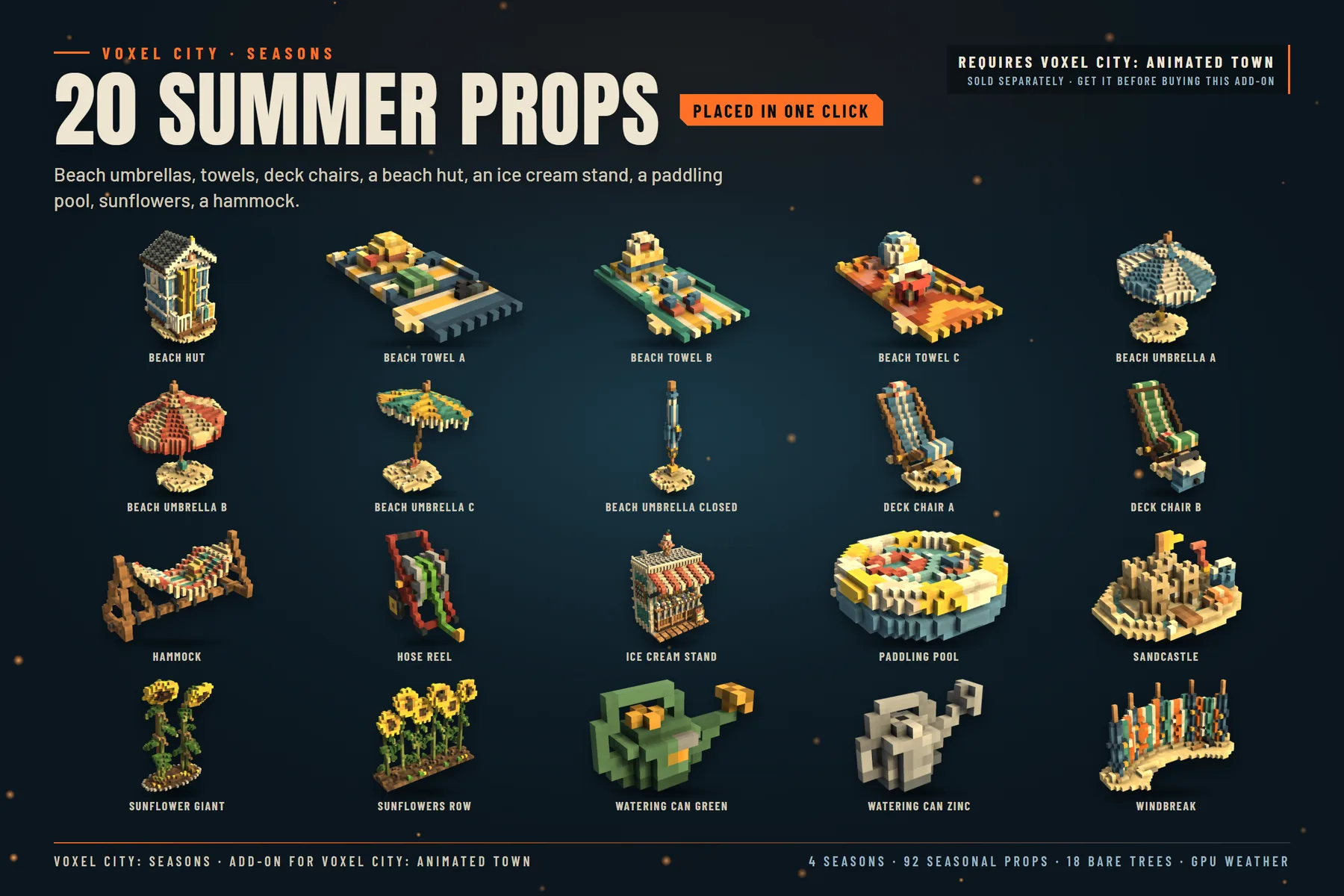
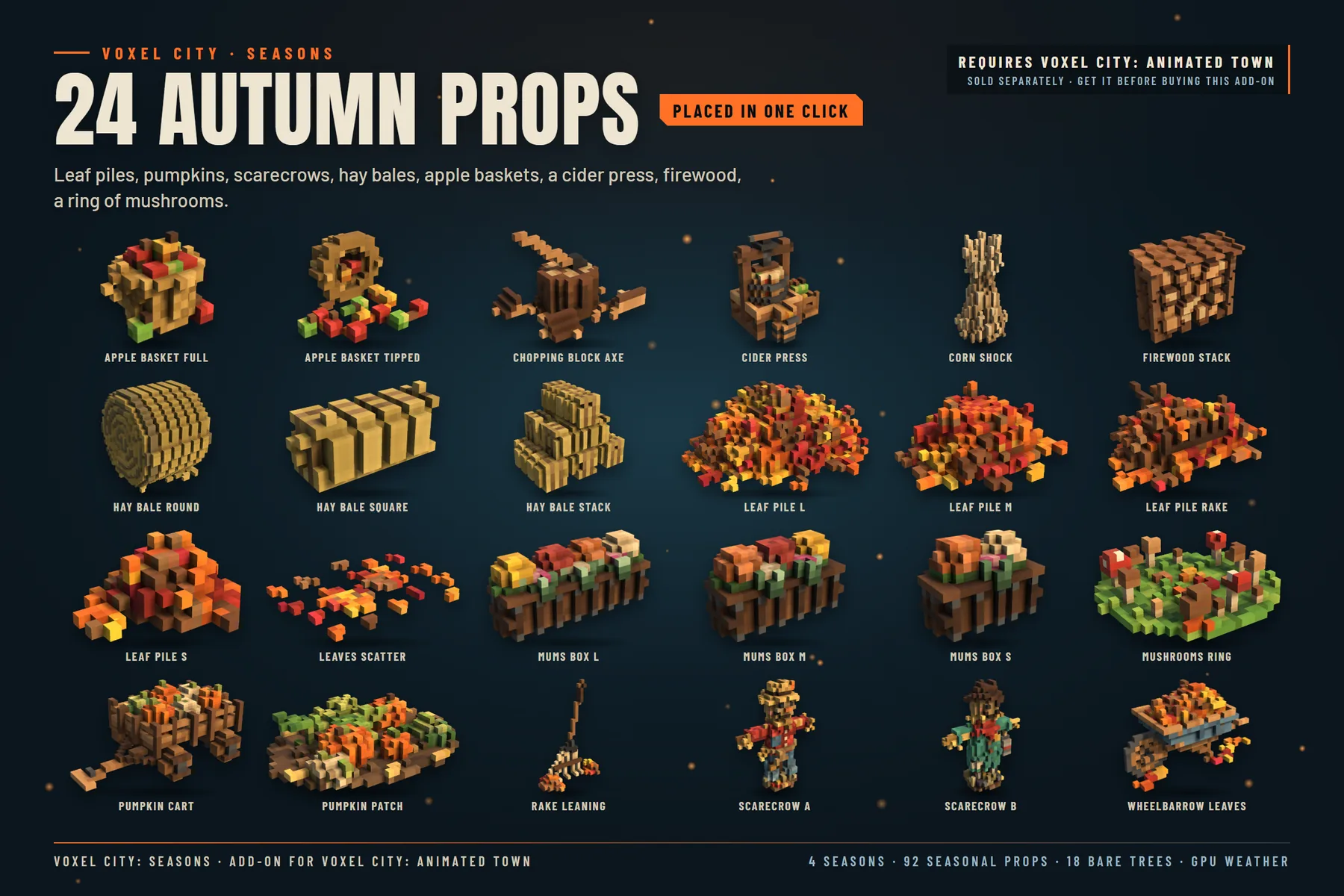
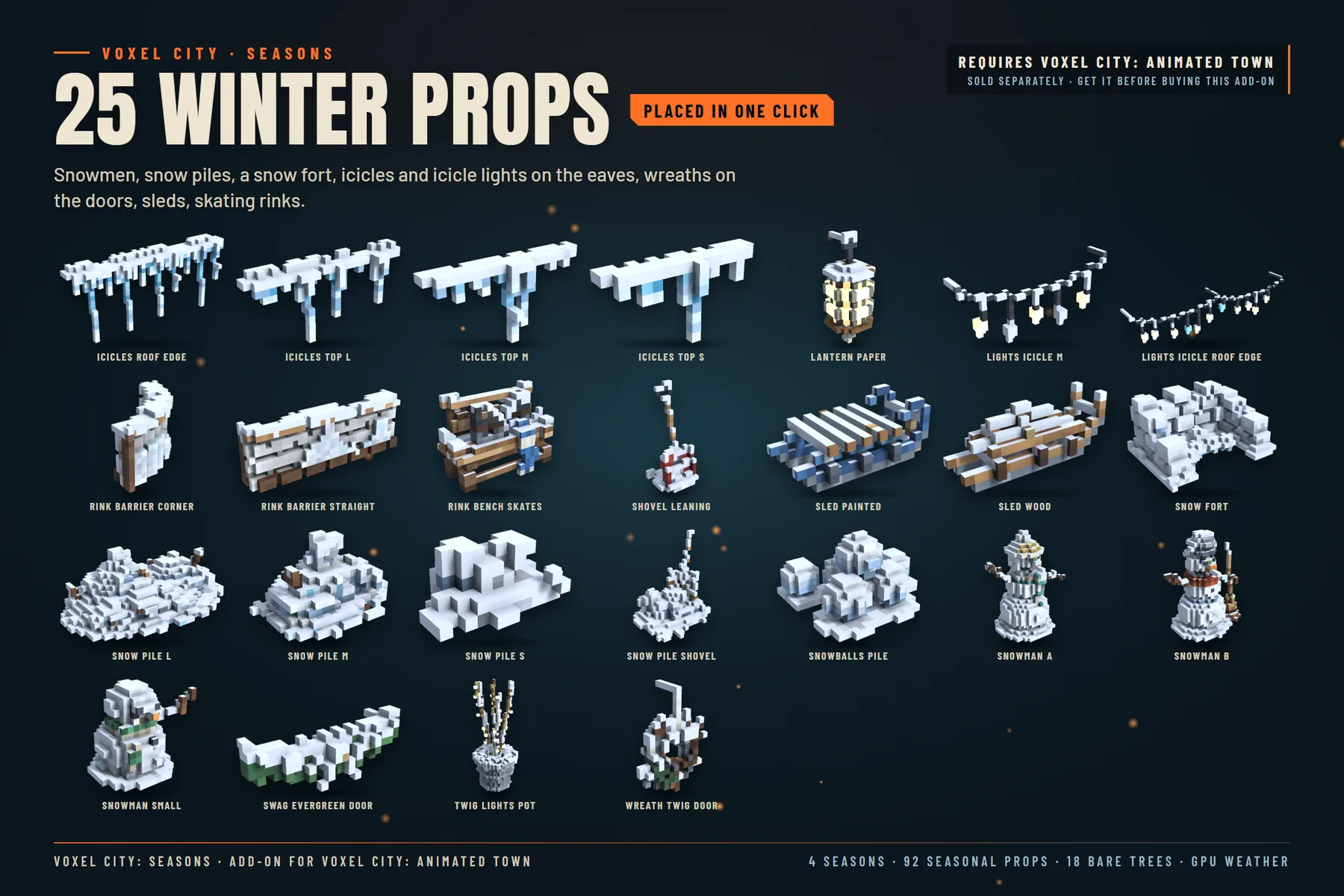
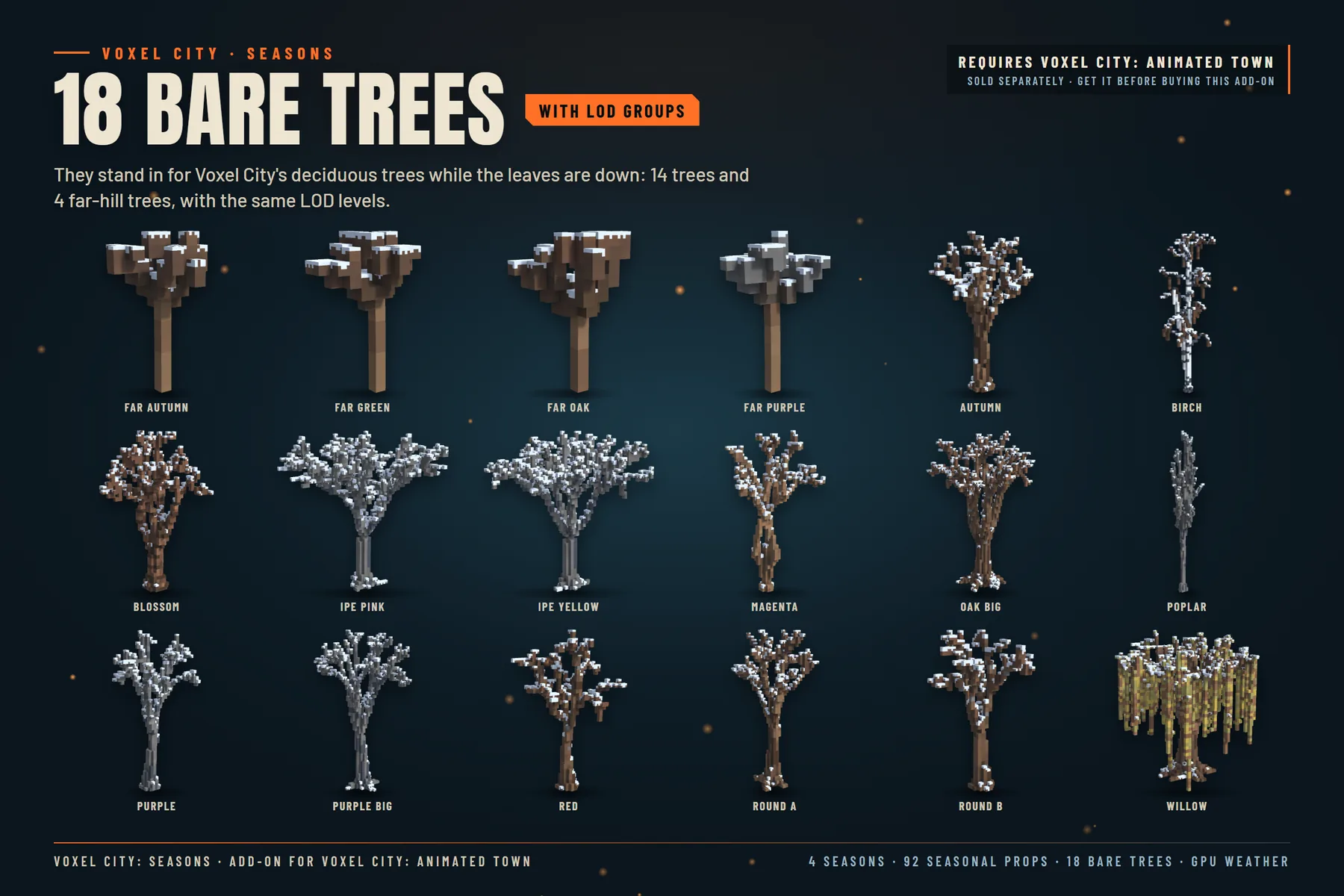
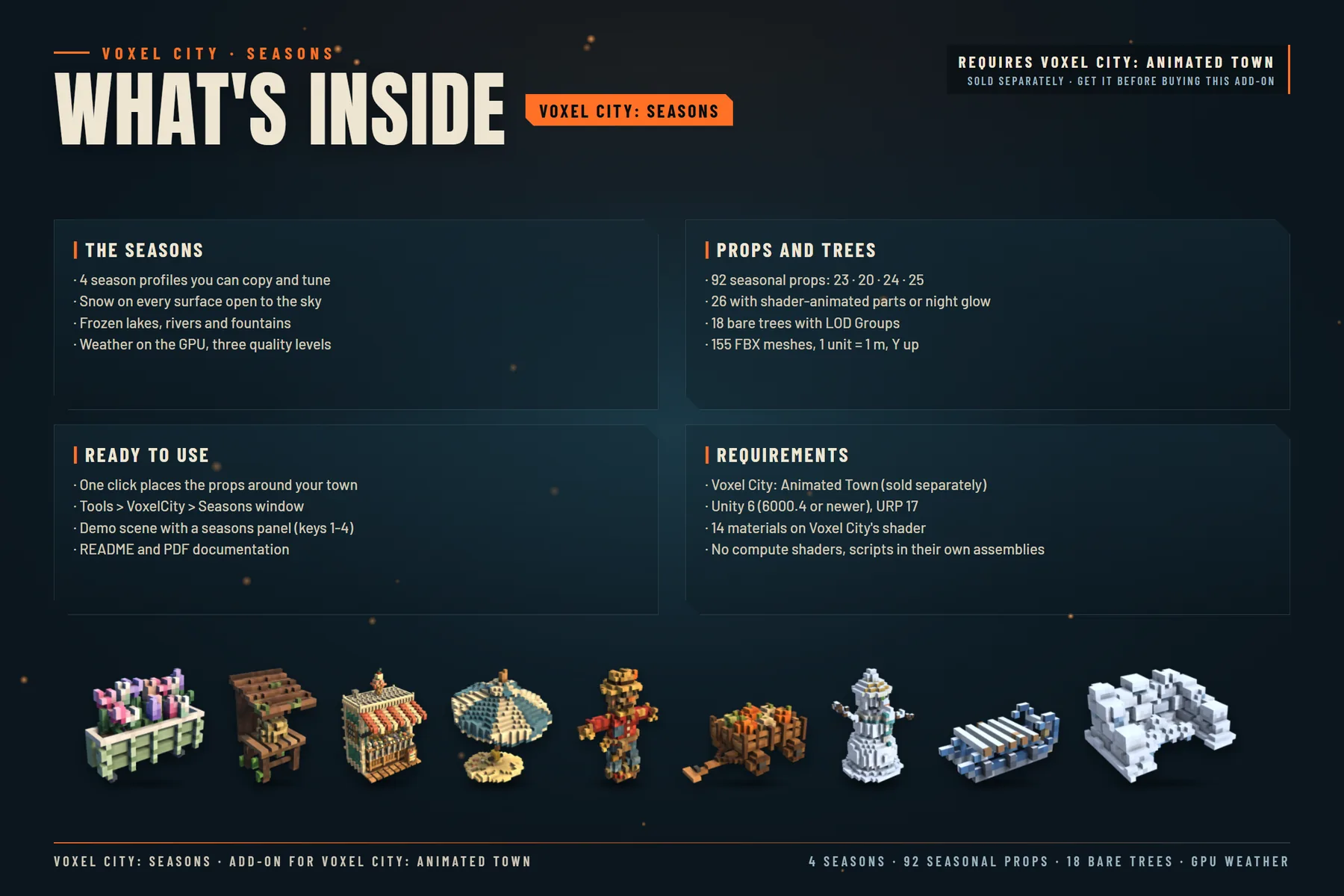
92 seasonal props (spring 23, summer 20, autumn 24, winter 25) are placed in one click on the buildings' free attach points and on free ground near what fits them, and each one shows only in its seasons. 18 bare trees with LOD Groups stand in for the deciduous trees while their leaves are down. The weather is drawn on the GPU, with no particle systems: showers with wet streets and puddles, a rainbow after the rain, petals, butterflies, fireflies, falling leaves and mist, and falling snow. Nothing in your scenes, prefabs or materials is changed: turn the component off and the town is as it was.
 Coming soon